
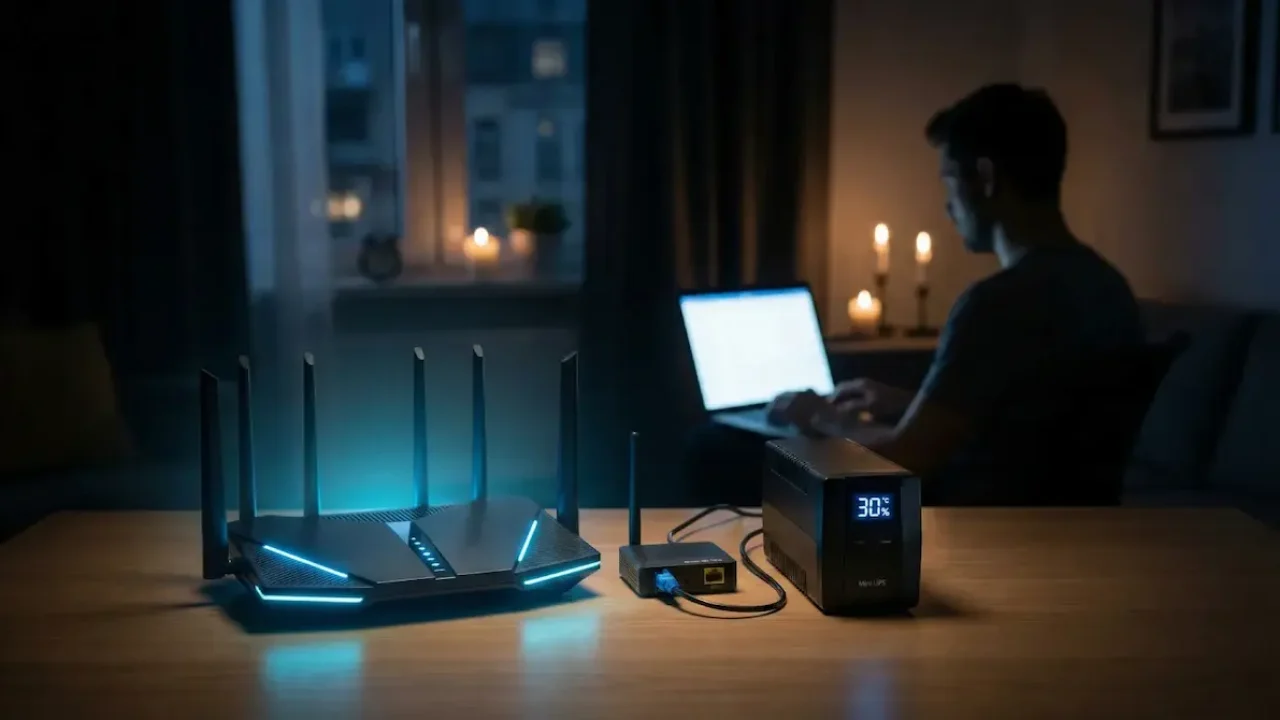
Home internet can continue to work even during prolonged power cuts, provided you organise a backup power supply for your equipment correctly. You don’t necessarily need to buy an expensive charging station for this — in many cases, a standard power bank and the right cable are sufficient. However, there is one important condition: not only the Wi-Fi router but also other network equipment must be powered, and the internet service provider must ensure that its network continues to operate without electricity. Let’s take a look at how to connect to the internet without electricity, what devices you’ll need, and how many hours they can operate autonomously.
- You can connect a Wi-Fi router to a power bank using a compatible USB–DC cable.
- For fibre-optic internet, it is usually necessary to supply power to both the router and the ONU.
- Before connecting, you must check the voltage, current, polarity and plug size.
- A 20,000 mAh power bank can keep your home network running for several hours.
- The internet will only work if the provider’s equipment is connected to a backup power supply.
Will the internet work without electricity, and what is needed for this?
A power cut in your flat does not necessarily mean you will lose your home internet connection. It all depends on the connection technology, the internet service provider’s backup power supply and the user’s equipment.
The one best suited to prolonged power cuts is xPON technology. It involves the transmission of data via fibre-optic cable through passive splitters, which do not require a separate power supply. Provided the provider has a backup power supply, such a network can operate for over 72 hours without a centralised power supply. However, this duration is not guaranteed for every subscriber.
Two devices are usually required for fibre-optic internet at home:
-
A Wi-Fi router — creates a wireless network and shares the internet connection amongst smartphones, computers and other devices.
-
An ONU or ONT is an optical terminal that receives a signal from a fibre-optic cable and transmits it to a router.
Sometimes both functions are combined in a single device. In such cases, it is sufficient to provide power to that equipment alone.
However, if the terminal and router are installed separately, connecting the router to a power bank will not help. The smartphone will detect the Wi-Fi network, but there will be no internet access, as the ONU will remain switched off.
Those with a standard Ethernet connection should also check with their provider whether the equipment in their home has a backup power supply. If the provider’s switch goes offline when the mains power fails, a standalone router will not provide access to the network.
How to connect a Wi-Fi router to a power bank
Most home routers are powered via a round DC power socket. Depending on the model, the required voltage may be 5, 9 or 12 V, or another value.
Ordinary USB port Power banks typically output 5 V by default. Therefore, for devices that require 9 or 12 V, a compatible voltage converter or a cable supporting the relevant USB Power Delivery mode is required.
Step 1. Check the router’s specifications
Look for a sticker on the router’s casing or check the specifications of its original power supply. The output voltage and current should be stated there.
For example, the inscription Output: 12V ⎓ 1A The marking on the adaptor indicates that it is rated for an output voltage of 12 V and a current of up to 1 A.
These parameters are important when selecting a backup power supply. The voltage must meet the device’s requirements, and the power supply must provide sufficient current. Supplying the wrong voltage can damage the equipment.
Step 2. Select the appropriate cable
Two main types of cable can be used for the connection.
The first is a USB–DC adapter with a built-in step-up converter. It receives 5 V from the power bank and converts it to the required 9 or 12 V.
The second option is a USB-C Power Delivery trigger cable, which negotiates the required voltage directly with the power bank. This method is only suitable if the power source supports the required voltage profile.
You should also check the size of the plug and its polarity. Even connectors that look identical on the outside may have different specifications. The common 5.5 × 2.1 mm size is by no means suitable for all models.
Step 3. Check the power bank’s specifications
Check the specifications of the output port. For example, a USB output rated at 5 V and 2 A can supply a maximum of 10 W, subject to conversion losses. This may not be sufficient for a router that requires 12 V and draws up to 12 W.
It is also important to take into account the power bank’s total output power, particularly if two devices are to be powered from it at the same time.
Step 4. Connect the router
Disconnect the router from its original power supply, connect a tested, compatible cable to the DC socket and connect it to the power bank.
If all the settings meet the requirements, the router should switch on and start booting up as normal. After that, check that your smartphone is connected to the Wi-Fi and has internet access.
If the device restarts periodically, fails to start up or the cable becomes excessively hot, switch off the power and check the compatibility of the equipment again.
How to power the router and the ONU at the same time
For fibre-optic internet to work properly, you may need to power two devices. The simplest option is a power bank with two independent outputs, each providing the appropriate voltage and the required power.
For example, if a router operates at 12 V and an optical terminal at 9 V, a separate compatible cable is required for each. You must not connect both devices to just any power strip without first checking their electrical specifications.
An alternative is special mini UPS for network equipment. Such devices may have several DC outputs with different voltages and a built-in battery.
The main advantage of this UPS is that it automatically switches to battery power in the event of a power cut. This allows the router to continue operating without the need for manual switching, provided that the specific model offers uninterrupted power supply.
A standard power bank is not always suitable for this mode. Some models stop supplying power whilst they are charging themselves, or briefly cut off the output when the operating mode changes. Therefore, support for pass-through charging and continuous switching should be checked separately.
How many hours will a router run on a 20,000 mAh power bank?
The battery life depends not only on the battery capacity stated on the casing, but also on the equipment’s power consumption, the efficiency of the power converters and the condition of the battery.
For example, a power bank with a capacity of 20,000 mAh and a nominal cell voltage of 3.7 V contains approximately 74 Wh of energy. Some of this is lost during voltage conversion.
Assuming that the equipment actually has around 60 Wh available, we arrive at the following approximate operating time:
| Total consumption | Opening hours |
|---|---|
| 5 W | around 12 hours |
| 8 W | around 7.5 hours |
| 10 W | about 6 hours |
| 12 W | about 5 hours |
| 15 W | about 4 hours |
| 20 W | about 3 hours |
These are estimated figures, not guaranteed ones. The actual result will depend on the specific power bank, cables and load. Furthermore, the figure on the standard adapter indicates its rated specifications, not necessarily the router’s constant actual power consumption.
For a more accurate estimate, you can use a USB power meter or the power consumption data for a specific model of the device.
If you need to maintain an internet connection for 8–12 hours or longer, it is worth considering a power bank with a higher capacity, a dedicated DC UPS or a portable charging station.
Why is the Wi-Fi working but there’s no internet?
Sometimes, after connecting the router to a backup power source, the wireless network remains accessible but websites won’t load. This does not necessarily mean that the power bank is faulty.
The most common causes:
-
The ONU is not working. The router is switched on, but the optical terminal is not receiving power.
-
The provider’s equipment has lost power. The operator’s backup battery may have run flat, or a particular section of the network may have lost power.
-
Insufficient power supply. The router starts up but restarts when under load.
-
Incompatible cable. The converter does not supply the required voltage or current.
-
Problems with the connection. Even if there is a power supply, you may not be able to access the internet due to a damaged cable or a network fault.
You should start by checking the indicator lights on the router and the ONU. If the optical connection error light is on at the optical terminal, you should check the network status with your internet service provider. You should not attempt to dismantle the optical equipment or alter the fibre connections yourself.
Before you buy back-up power supply It is worth asking your internet service provider three questions: does the internet still work at your address during power cuts; for approximately how long does the backup power supply for their network last; and which of your home devices need to be connected to the power supply.
Once you have connected the backup power source, be sure to carry out a test: Leave the router and ONU connected to a power bank, unplug their standard adaptors from the mains, and check your internet connection on your phone or computer. This will allow you to identify any equipment incompatibility in advance, without having to wait for the next power cut.