
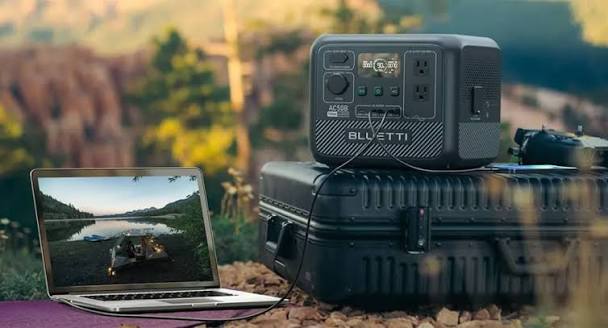
Two charging stations are open in neighbouring tabs. Their names differ by just one letter; the casings in the photos are almost identical, and a USB-C port is visible on the front panel of both. The task is simple: to power a laptop from the station when the lights go out. However, the description of the first model mentions a USB-C cable, whilst the second makes no mention of it whatsoever. This minor detail raises three practical questions: which specific model are you looking at, will the port provide the power your laptop needs, and how do you connect them? It’s best to check the answers before buying, rather than relying on the photos.
Which specific model is this?
A similar name does not always mean the same device. Manufacturers often produce several versions of the same docking station with different sets of outputs, an updated port or different contents in the box. Therefore, do not rely solely on the series name, but also check the exact model number or product code – this is indicated on the product listing, on the box, on the label on the casing and in the user manual.
When choosing a power station at a specialist electronics and power supply shop MotoStuff, it’s handy to check the exact model designation, list of ports and specifications in the description of the specific model straight away. The shop stocks charging stations from leading brands with clear technical specifications, and if you have any doubts about the version or compatibility with your laptop, you can easily check the details with a specialist before placing your order. Make a note of the exact product code for your chosen option: this is the one you should use to check all subsequent specifications.
Will the USB-C port on this particular laptop work?
A standardised connector merely ensures that the plug will physically fit into the socket. Whether the laptop charges reliably depends on the specifications on both ends of the cable. Start with the laptop’s own requirements: its specifications or user manual will state how much power it can draw via USB-C and which modes it supports. The label on the supplied power adaptor describes the adaptor itself, but does not always show all the supported modes of the laptop’s port.
Next, check the output table for the selected station. Look specifically at the row for the particular USB-C port, rather than the device’s total output power. Each output has its own limit, and if there are several USB-C ports, their specifications often differ; furthermore, when several devices are connected at the same time, the power may be redistributed between them. And do not confuse watt-hours with watts: the former describe the battery’s energy reserve, whilst the latter describe the power of a specific output.
A port is suitable for a laptop when two conditions are met: the required power mode is supported, and the power output of that port is not lower than the laptop’s requirements. However, even if these conditions are perfectly met, this only applies to the socket – to be absolutely sure, you should still check the cable.

What’s in the box and will the cable fit?
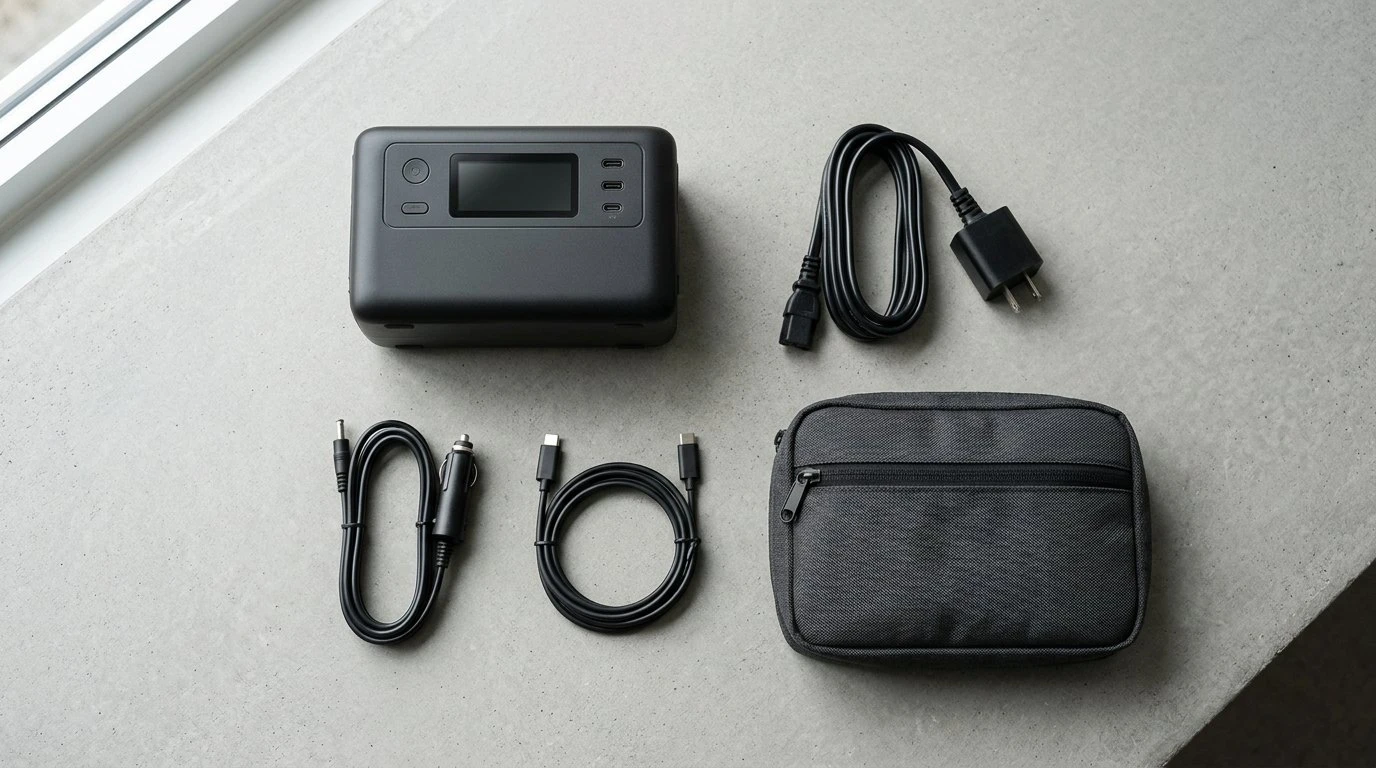
If a USB-C cable is not mentioned in the description, please check the contents of your specific product before placing your order. It is not uncommon for the box to contain only a mains cable for charging the dock itself, as well as a car or solar cable. Of course, these cannot be used to power a laptop via USB-C – they are designed for other purposes and have different connectors.
If a USB-C cable is included in the pack, check its power delivery capacity. A standard smartphone cable may limit the power output even when the dock’s port is capable of delivering significantly more. Make a quick note of what’s already in the box and what you’ll need to buy separately – that way, you can easily compare two offers based on the complete working set, rather than just the price tag.
When it is more convenient to power a laptop using the standard adaptor
If your laptop charges via a proprietary connector or its requirements do not match the specifications of the USB-C port, there is always a simple option – plug the standard power adaptor into a standard AC socket on the docking station. To do this, simply check the power rating on the adapter’s label against the station’s socket output and ensure that the mains specifications match. This method consumes slightly more energy due to double conversion, but it eliminates any issues with USB-C modes and cables.
What to check before making a choice
- The exact model name or product code in the product details page and in the instructions.
- Laptop requirements for USB-C power delivery: required mode and power output.
- The settings for the specific USB-C port selected on the dock, rather than the device’s total power output.
- Whether a USB-C cable is included in the pack and the power rating for which it is designed.
- A backup option via an AC socket and the standard power supply, if the USB-C port is not suitable.
If you have any questions regarding modifications or compatibility, please check with a shop assistant before completing your purchase.