
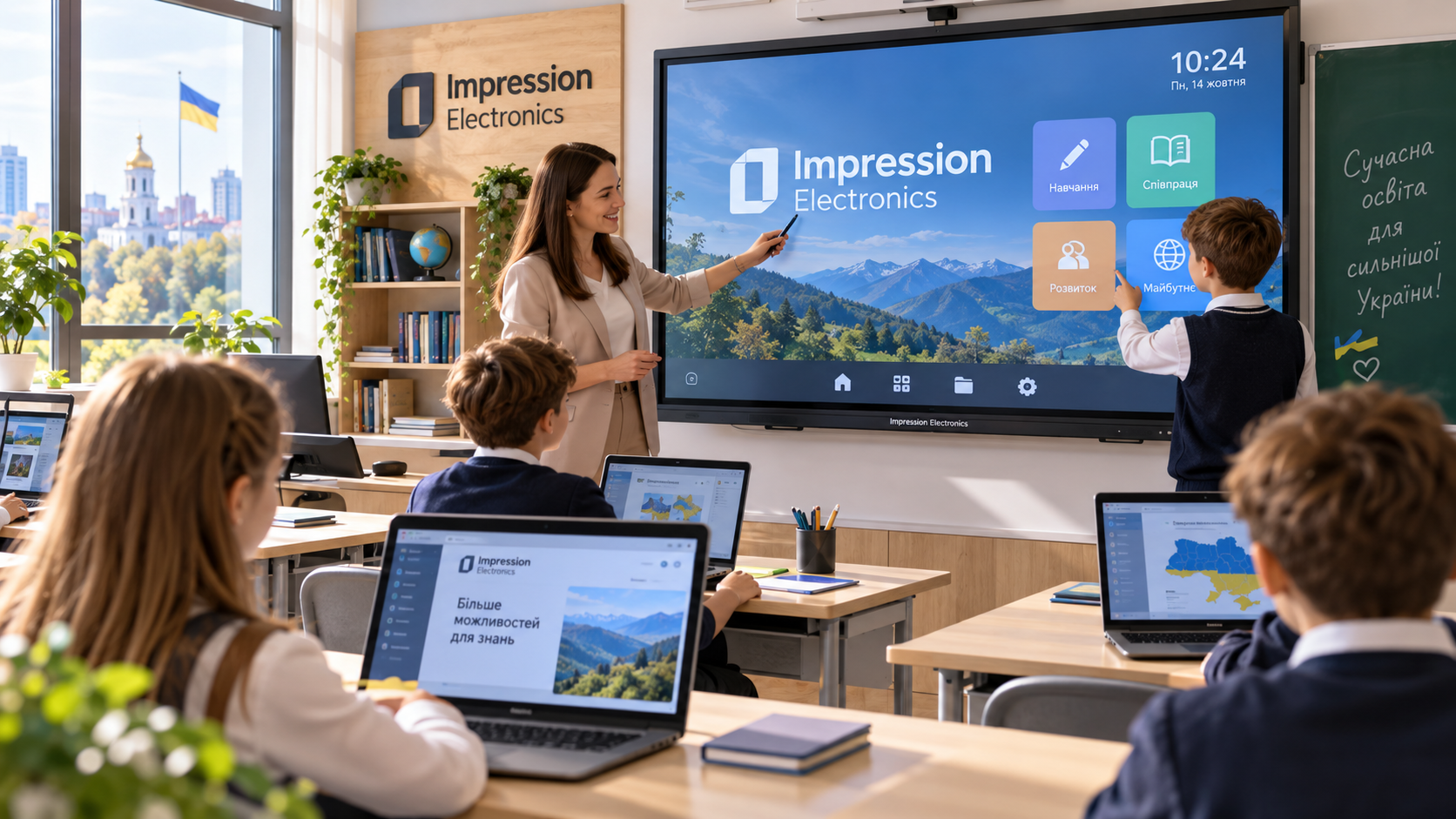
A new screen in the classroom catches the eye, but the benefits of the equipment lie in the details. Can the teacher access resources quickly? Are there enough workstations for the pupils? The answers depend on how well the devices, software and network work together.
When choosing Technical equipment for schools – Ukraine Facility, the administration should start by drawing up a plan for its use. Whether it can be purchased using programme funds depends on the specific funding available, eligible expenditure and procurement requirements.
Main types of equipment for a digital school
Desktop computers are suitable where a permanent workstation is required: in a computer science classroom, a library or an administration office. Laptops allow you to move your work between different rooms.
The interactive whiteboard helps to display images, make notes and discuss the material with the class.
Server solutions are considered when an institution requires shared files, local services or centralised resource management. A server requires configuration and administration, so its suitability should be discussed with a specialist who will be responsible for maintaining the school’s infrastructure.
How to put together the right technical equipment for a school
Start by taking stock of what you already have. Some devices can be kept in use if they are able to cope with the tasks.
During such an inspection, it is worth noting a few things:
- the serviceability of existing equipment and its configuration;
- the number of users in each room;
- the programmes required for the lessons;
- the condition of the cable network and wireless coverage;
- the need for additional sockets and peripherals.
Based on the results, it is easier to draw up requirements without including unnecessary items. For example, for video calls, you should ensure you have a camera and a microphone, whilst for working with graphics, you should check the requirements of the relevant application. This helps you prepare for the lesson.
The Ukraine Facility and support for the development of education
Ukraine Facility – an EU instrument for the period 2024–2027, aimed at the recovery, reconstruction and modernisation of Ukraine.
The purchase of school equipment is possible within the limits of specific funding that provides for such expenditure. The school and its governing body need to ascertain the procedure for receiving funds, the requirements for the goods and the reporting rules.
Before announcing a procurement, it is worth checking its key terms and conditions:
- justification of the number and specifications of the devices;
- a list of documents certifying the origin of the goods;
- the necessary certificates of conformity;
- requirements relating to sanctions;
- Procedures for acceptance and warranty servicing.
These terms and conditions shall apply to the proposed equipment and the relevant documentation.
Impression Electronics – solutions for educational institutions
Company. “System Navigator”, a Ukrainian manufacturer of computer hardware under the “Impression Electronics”® brand, offers PCs, laptops, interactive displays and server solutions. A Ukrainian engineering team is responsible for assembling and testing PCs and servers, and the products undergo hardware and software checks.
You can discuss the equipment for different areas of the school with the manufacturer. At the same time, it is worth comparing the packages in terms of their specifications, compatibility and level of support. For purchases made under the programme, the company states that it will provide documents confirming the origin of the products. Delivery and implementation are carried out by official regional partners.
Modernisation must culminate in the class being ready to work. Tried-and-tested connections, configured software and clear instructions for teachers are required. When the equipment is suited to the lessons and comes with the right support, the school gains a foundation for practical tasks, collaborative projects and the development of digital skills.