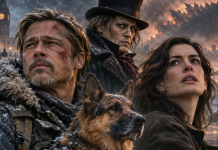
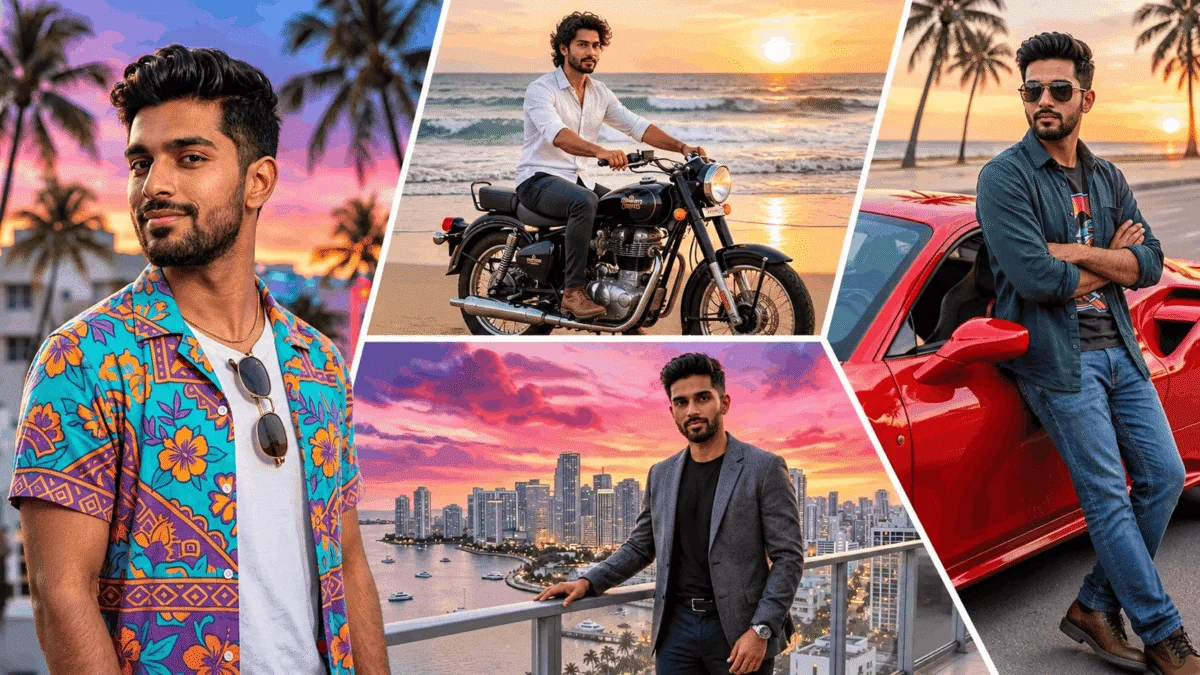
The GTA 6 AI Photo Trend has become one of the new ways to use generative AI following the release of Grand Theft Auto VI. Using ChatGPT or Google Gemini, you can transform your own photo into a stylised image set in the world of GTA, whilst retaining recognisable facial features. We’ve put together 10 ready-made English-language prompts for creating a variety of looks — from a classic Vice City poster to a realistic scene from the video game.
- You can create a GTA 6-style photo using ChatGPT or Gemini.
- To generate an image, simply upload a high-quality portrait and use the ready-made prompt.
- AI can alter clothing, backgrounds and lighting whilst maintaining facial recognisability.
- Individual portraits, couple photos and game screensavers are available.
How to create a GTA 6 AI photo in ChatGPT
The principle behind the creation of these images is similar to that of the previously popular AI photographs in 1990s styles.
Open ChatGPT.
Please upload a photograph in which your face is clearly visible.
Copy one of the prompts below.
Please send your enquiry along with a photograph.
If necessary, ask the AI to correct the details.
Save the finished image.
У Google Gemini The process is the same: upload a photo, select an image creation tool and add a text description.
The 10 Best GTA 6 AI Photo Prompts
You can copy the prompts as they are or adapt them to suit your own appearance, car, clothing and filming location.
1. Classic GTA VI poster
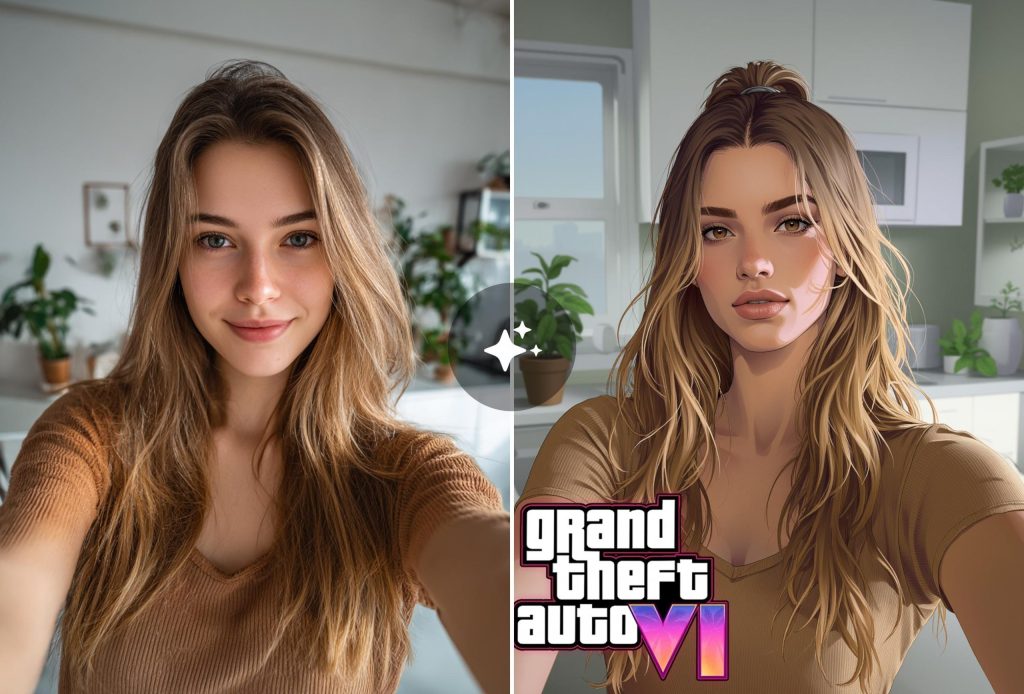
Prompt:
Turn my photo into a cinematic poster in the style of GTA VI. Keep my facial features, hairstyle, age and natural expression. Add the atmosphere of Vice City, with palm trees, pastel-coloured buildings, luxury sports cars and a pink-and-orange sunset. Use bold outlines, rich colours and detailed graphics in the style of a video game cover. No text or logos. Aspect ratio 9:16.
2. A realistic character in GTA 6
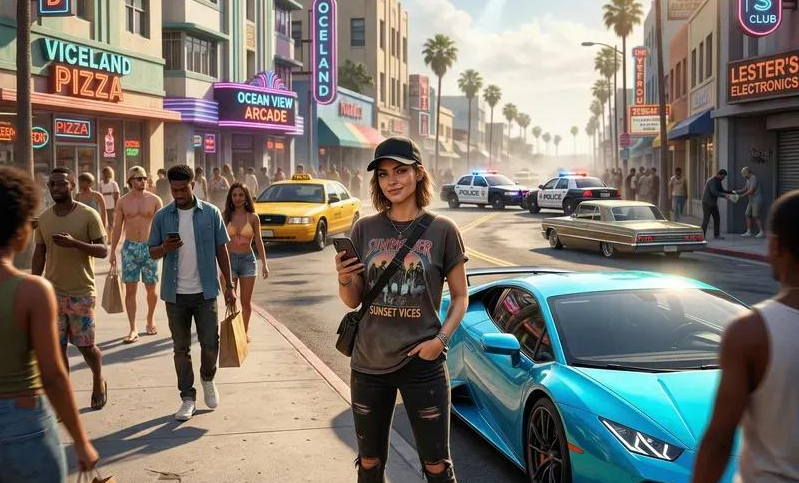
Prompt:
Turn me into a realistic character from the video game GTA VI. Retain my facial features and body proportions as accurately as possible. Place me on a street in a tropical city with sports cars, pedestrians and modern architecture. Use photorealistic game graphics, cinematic lighting, natural shadows and high detail. The image should resemble an actual in-game screenshot.
3. The city at night and the neon lights
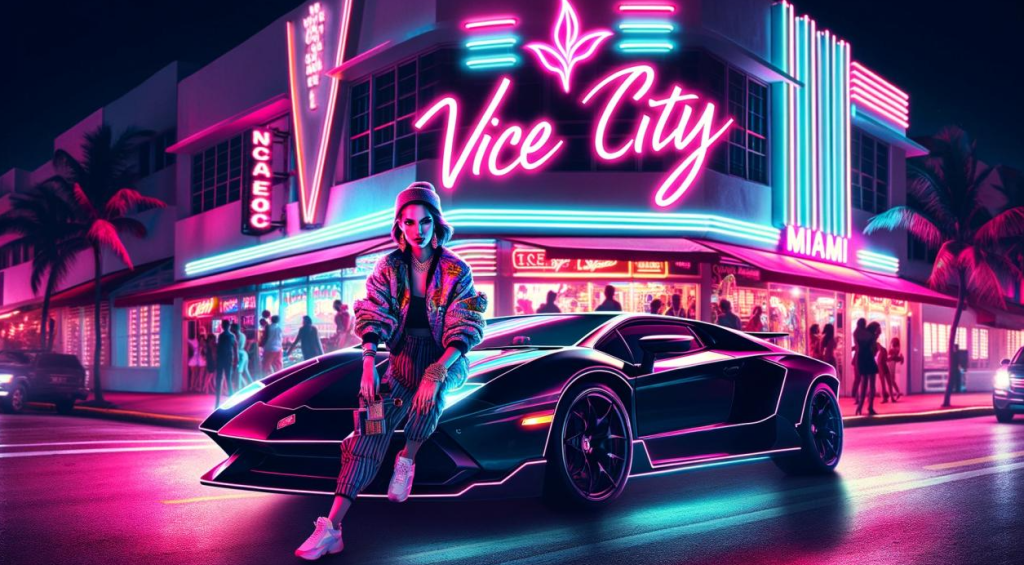
Prompt:
Create a cinematic portrait of me on a night-time street in Vice City. Keep my face and hairstyle exactly as they are. Add neon signs, reflections on the wet tarmac, palm trees and a black sports car. Use dramatic blue-and-pink lighting, realistic textures and a GTA VI-style night-time city atmosphere. No text.
4. A life of luxury in Vice City
Prompt:
Turn my photo into a luxurious portrait in the style of GTA VI. Keep my natural appearance. Depict me in elegant summer clothes next to an expensive sports car and a modern seaside mansion. Add a swimming pool, tropical palm trees, a yacht and warm evening lighting. Create a detailed, cinematic illustration in the style of a video game.
5. A couple’s photo in the style of GTA 6
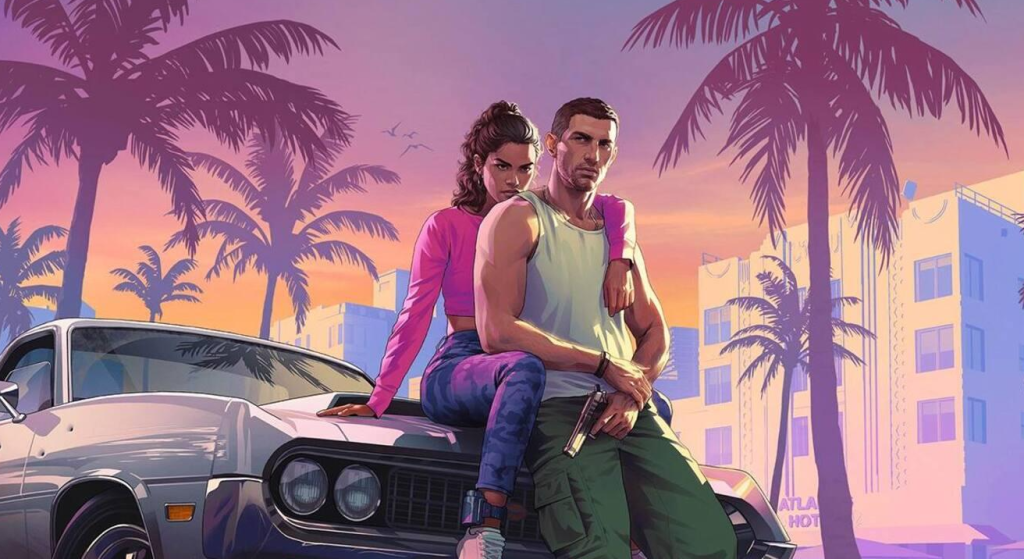
Prompt:
Turn the people in the uploaded photo into the main characters of GTA VI. Preserve each person’s individual facial features, hairstyles and natural proportions. Depict them together next to a convertible on a coastal road at sunset. Add palm trees, the ocean, tropical architecture and warm, cinematic lighting. Create a stylish game poster without any text or logos.
6. A photograph on the beach in Vice City
Prompt:
Create a portrait based on my photograph, set in the tropical atmosphere of GTA VI. Ensure my face is as accurate as possible. Place me on a sandy beach with palm trees, a turquoise ocean, lifeguard towers and a vibrant sunset. Include stylish summer clothing, rich colours and cinematic game graphics. Vertical 9:16 aspect ratio.
7. The main character standing next to a sports car
Prompt:
Create a striking portrait of me in the style of GTA VI. Capture my real facial features. Depict me standing next to a customised supercar on a boulevard lined with palm trees. Add reflections on the car’s bodywork, warm sunlight, modern urban architecture and a confident pose. Use detailed graphics in the style of GTA 6 promotional posters.
8. The GTA 6 loading screen
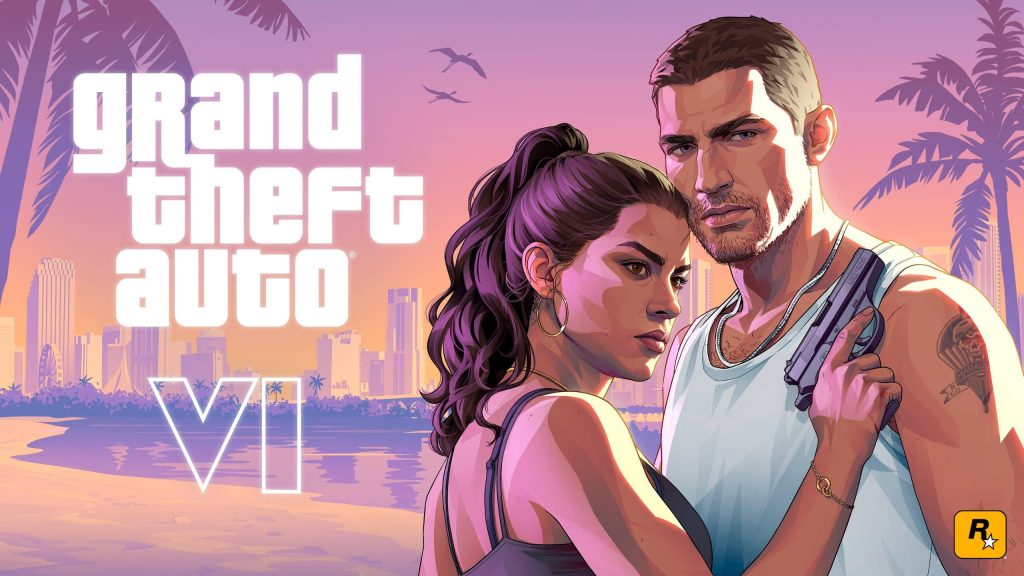
Prompt:
Turn my photograph into an artistic loading screen in the style of Grand Theft Auto VI. Ensure my face remains recognisable. Create a waist-up portrait with sharp contours, detailed shadows and a multi-layered tropical cityscape. Add palm trees and a sunset gradient. 16:9 landscape format. No text, logos or interface elements.
9. Retro Vice City in the style of the 1980s
Prompt:
Turn me into a character from the alternative world of 1980s Vice City. Keep my natural facial features. Add vintage sunglasses, 1980s clothing, a classic sports car, Art Deco architecture and a neon sunset. Combine the look of film photography, synthwave colours and detailed video game graphics. Create the atmosphere of a truly retro Miami.
10. The cinematic cover art for GTA VI
Prompt:
Create an original, cinematic video game cover inspired by GTA VI, featuring a person from an uploaded photo as the main character. Retain all the distinctive facial features. Combine a tropical city, a coastal motorway, luxury cars, the ocean and a dramatic sunset. Use rich colours, striking contrast, a high level of detail and professional composition. No text or official logos.
How to make the GTA 6 AI Photo as realistic as possible
The quality of the result depends largely on the original photograph. It is best to use a well-lit portrait in which the face is not obscured by glasses, hair or shadows.
If, after generation, the AI has altered the appearance too much, please send an additional request:
Create an original, cinematic video game cover inspired by GTA VI, featuring a person from an uploaded photo as the main character. Retain all the distinctive facial features. Combine a tropical city, a coastal motorway, luxury cars, the ocean and a dramatic sunset. Use rich colours, striking contrast, a high level of detail and professional composition. No text or official logos.
You can also specify the required aspect ratio for the image:
9:16 — Instagram Stories, Reels and smartphone wallpapers;
4:5 — Instagram posts;
1:1 — avatars;
16:9 — screensavers, video covers and computer wallpapers.
Do you need a paid subscription to create GTA 6 photos?
Creating and editing photos is available on ChatGPT and Gemini; however, the number of generations and the models available may depend on your subscription plan and the restrictions set by the services. You don’t need to buy GTA VI just to be part of the trend.
Use your own photographs or images of people who have consented to their images being processed by artificial intelligence.