
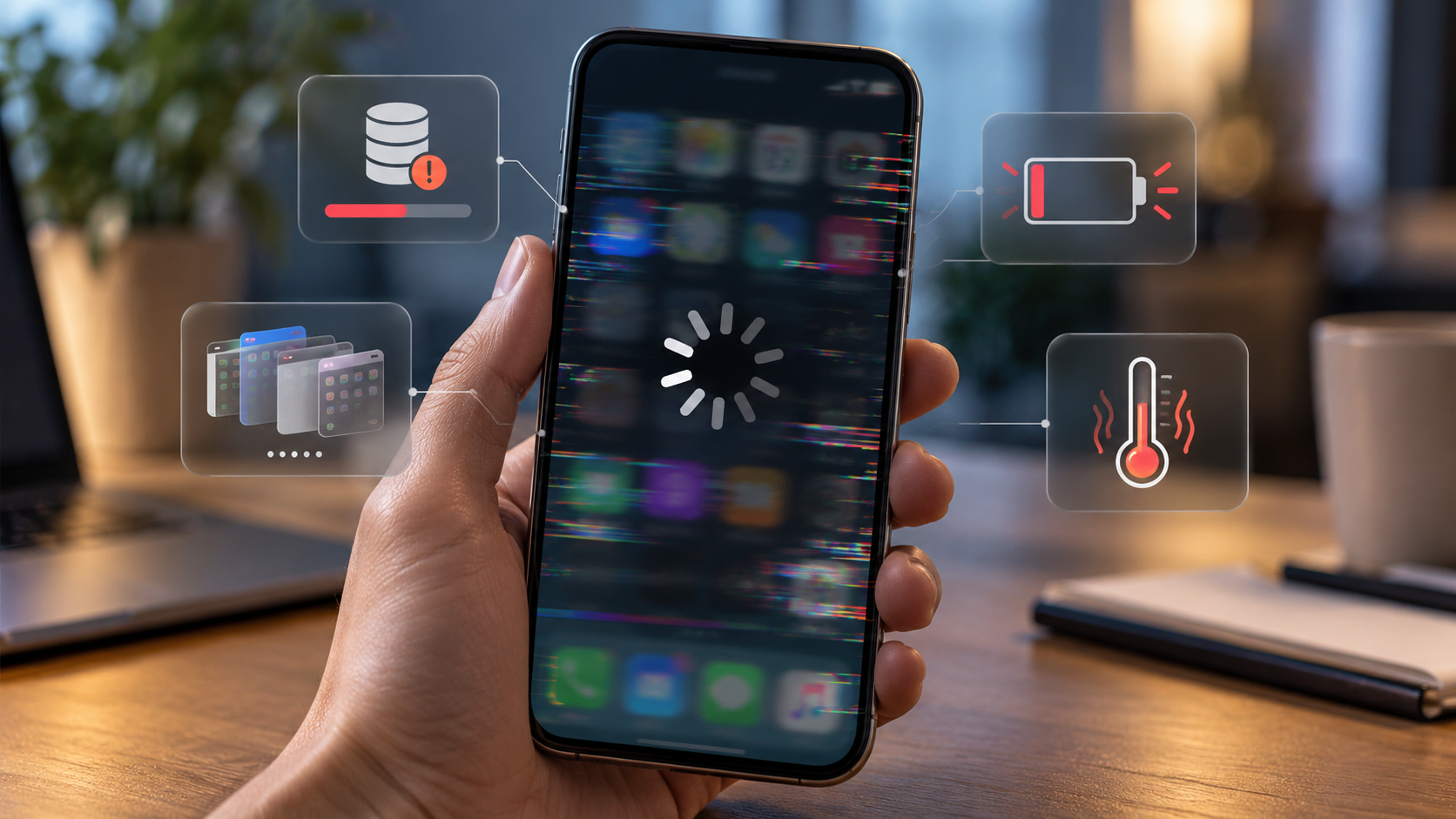
Until recently, your smartphone would open apps instantly, switch between tasks quickly and run games without any problems. But over time, it starts to freeze, respond slowly to touch, take longer to open the camera and sometimes even restart on its own. Many users assume that the phone is simply out of date and that it’s time to buy a new one. In reality, the causes may be quite different: from full storage and a worn-out battery to overheating, problematic apps and system settings. What’s more, some of these issues can be resolved yourself, without spending money on repairs or a new device.
- Your smartphone may be running slowly due to a lack of free storage space and RAM.
- A worn-out battery can sometimes lead to a drop in performance.
- Overheating causes the processor to run at a slower speed temporarily.
- Background apps and software errors can overload your device.
1. Full memory: why your phone starts to freeze
One of the most common reasons for a smartphone running slowly is a lack of free space on the internal storage.
Every day, your phone accumulates photos, videos, documents, temporary files and app data. Messaging apps, in particular, can take up a lot of space as they store photos, videos and other media files that you have viewed.
When the storage is almost full, it becomes more difficult for the operating system to create temporary files, install updates and carry out certain system operations.
Google warns that smartphones Android may not work properly when there is less than 10% of free internal storage. Apple recommends having at least 1 GB of free space on your iPhone to avoid performance issues.
What to do: Check your storage in the settings, and delete any unnecessary downloads, large video files and apps you haven’t used for a long time. Before deleting photos and documents, it’s important to make sure you have backups of them.
2. The battery is ageing and may affect the speed of your smartphone
A smartphone’s battery gradually loses its performance. This is a natural process inherent in lithium-ion batteries.
Over time, it is not only the battery’s maximum capacity that decreases, but also its ability to deliver the required power under heavy load.
For example, the processor may require a significant amount of power when launching a game or processing video. If a worn-out battery is unable to consistently supply the power required for such a load, the system may limit maximum performance to prevent the device from switching off unexpectedly.
Apple officially explains that iPhone It uses performance management mechanisms that take into account the battery’s condition, charge level and temperature. Depending on these conditions, apps may open more slowly and the frame rate may drop.
At the same time, not every old battery automatically causes the device to slow down. It depends on the specific device and the condition of the battery.
What to do: On an iPhone, open «Settings» → «Battery» → «Battery Health» (menu names may vary). On Android, the availability of similar information depends on the manufacturer. If the battery is severely worn out, replacing it may help restore the device to normal operation.
3. The smartphone overheats and automatically reduces its power output
Have you noticed that your phone starts to slow down after playing games for a long time, recording videos or using the sat-nav in the car? This may be due to overheating.
Modern processors have built-in thermal protection mechanisms. If the temperature of the components rises excessively, the system may reduce their operating frequency.
This mechanism is known as thermal throttling — a temperature-based performance limitation.
It protects electronic components, but at the same time can cause a noticeable drop in performance.
Overheating occurs particularly frequently when using resource-intensive apps, whilst charging and under heavy use, or when the phone is exposed to direct sunlight.
What to do: Let your smartphone cool down, stop any resource-intensive tasks for a while, and move it out of direct sunlight. You should not cool your phone in the fridge or freezer due to the risk of condensation and sudden temperature changes.
4. The apps have become more resource-intensive, although the smartphone itself hasn’t changed
Another reason for the gradual slowdown is the increasing demands that modern applications place on hardware.
Messaging apps, social media platforms, web browsers and other programmes are constantly being updated with new features. Some of these updates require additional RAM, processing power and storage space.
A phone that ran all the necessary apps without any problems a few years ago may, over time, start using more resources to carry out the same everyday tasks. This is particularly noticeable on budget devices with limited RAM.
It is important to distinguish between RAM and internal storage. The former is needed for running active programmes, whilst the latter is used to store files and installed applications.
If there is not enough RAM, the system will close programmes more frequently. As a result, when switching between them, the user has to wait for them to reopen.
What to do: Uninstall any unnecessary programmes, check which apps are using the most resources, and, where possible, use less resource-intensive alternatives.
5. Android or iOS updates: do they really slow down older phones?
There is a widespread belief that manufacturers deliberately slow down older smartphones through updates to encourage users to buy new devices more often. However, not every instance of a phone running more slowly after installing a new version of the operating system is the result of deliberate performance throttling.
Following a major update, your smartphone may perform additional background tasks relating to data processing, updating photo libraries or optimising installed apps. Furthermore, new features in the operating system may require more resources than previous versions.
We mustn’t forget about software bugs either: sometimes it is a specific update that causes problems, which the manufacturer then fixes in the next version. Therefore, it is not advisable to avoid updates altogether. They contain not only new features but also important security patches.
What to do: Install official updates, check software compatibility and keep an eye out for fixes released by the manufacturer following major system updates.
6. Background processes and problematic apps are slowing down the phone
Even when a user is not interacting with a particular programme, it may carry out certain tasks in the background. For example, it may synchronise information, check for notifications, download data or process files.
Modern Android and iOS These processes are usually managed automatically. However, an incorrectly configured or faulty app can sometimes place an excessive strain on the processor and battery. As a result, the smartphone overheats, the battery drains more quickly, and other apps start to respond more slowly.
In such cases, Google recommends checking the apps you have installed, updating them and determining whether a specific app is causing the problem.
On Android, you can sometimes use safe mode for troubleshooting, which temporarily disables third-party apps. If the phone works normally in this mode, the cause is likely to be found amongst the installed apps.
There’s no need to close absolutely every app all the time. Apple explicitly states that force-quitting apps unnecessarily can actually slow down the next time you open them.
7. A slow internet connection is sometimes mistaken for a smartphone freezing
Not all delays are down to processor or memory performance.
If websites take a long time to load, photos don’t load in Telegram or videos freeze, this may be due to an unstable internet connection.
Many modern apps constantly retrieve information from servers. Due to network issues, the user may see the loading screen and mistakenly think that the phone has started to run more slowly.
Apple also points out that delays may be caused by congestion on the mobile network and the device switching between base stations.
What to do: Check that your smartphone is working via a different Wi-Fi network or mobile data. If the camera, gallery and system settings open quickly, but you’re only experiencing problems with online services, you should check your connection first.
How to speed up your smartphone in 10 minutes without any special apps
Before contacting a service centre or resetting your phone to its factory settings, there are a few basic checks you can carry out.
-
Restart your smartphone. This will help to terminate any processes that may have frozen and restart the system services.
-
Check your available storage space. If your storage is almost full, delete any unnecessary files and apps.
-
Update your software. Install any available official patches.
-
Check the condition of the battery. Especially if the phone runs out of power quickly or switches off suddenly.
-
Clear the cache of the problematic app on Android. This may help if it is the app that is behaving erratically. Do not confuse clearing the cache with deleting all the app’s data.
-
Check the temperature of your phone. If the casing is hot, let the device cool down.
-
Identify exactly when the delays occur. If only one app is running slowly, the problem may lie with that app rather than with the smartphone as a whole.
You shouldn’t install dubious apps that promise to instantly boost your smartphone’s speed. The Android and iOS systems already have built-in mechanisms for managing memory and background processes.
Does resetting to factory settings help?
A full reset of your smartphone can sometimes indeed resolve software glitches, the effects of incorrect settings and app conflicts. However, this method will not restore a worn-out battery, increase the physical capacity of the RAM, or make an old processor more powerful.
Furthermore, a factory reset deletes personal data from the device. You should therefore back up your photos, contacts, documents and other important information before carrying out the procedure.
It is advisable to use this method only after carrying out simpler checks, when there are grounds to believe that the problem is software-related.
When is it better to repair or replace a smartphone?
If your phone continues to freeze after freeing up memory, installing updates and checking your apps, the cause may be a hardware fault or the limited capabilities of older devices.
Particular attention should be paid to sudden shutdowns, frequent reboots, charging problems, touchscreen malfunctions and excessive overheating, even without a significant workload.
In such cases, it is advisable to contact a qualified service centre. And if the battery has swollen, the casing has become misshapen or the device is getting very hot for no apparent reason, you should stop using it until it has been checked.
A slow smartphone doesn’t always mean it’s on its last legs. Sometimes all you need to do is free up some storage space, sort out an issue with a particular app, or replace a worn-out battery. The main thing is to identify the cause first, and only then spend money on repairs or a new phone.