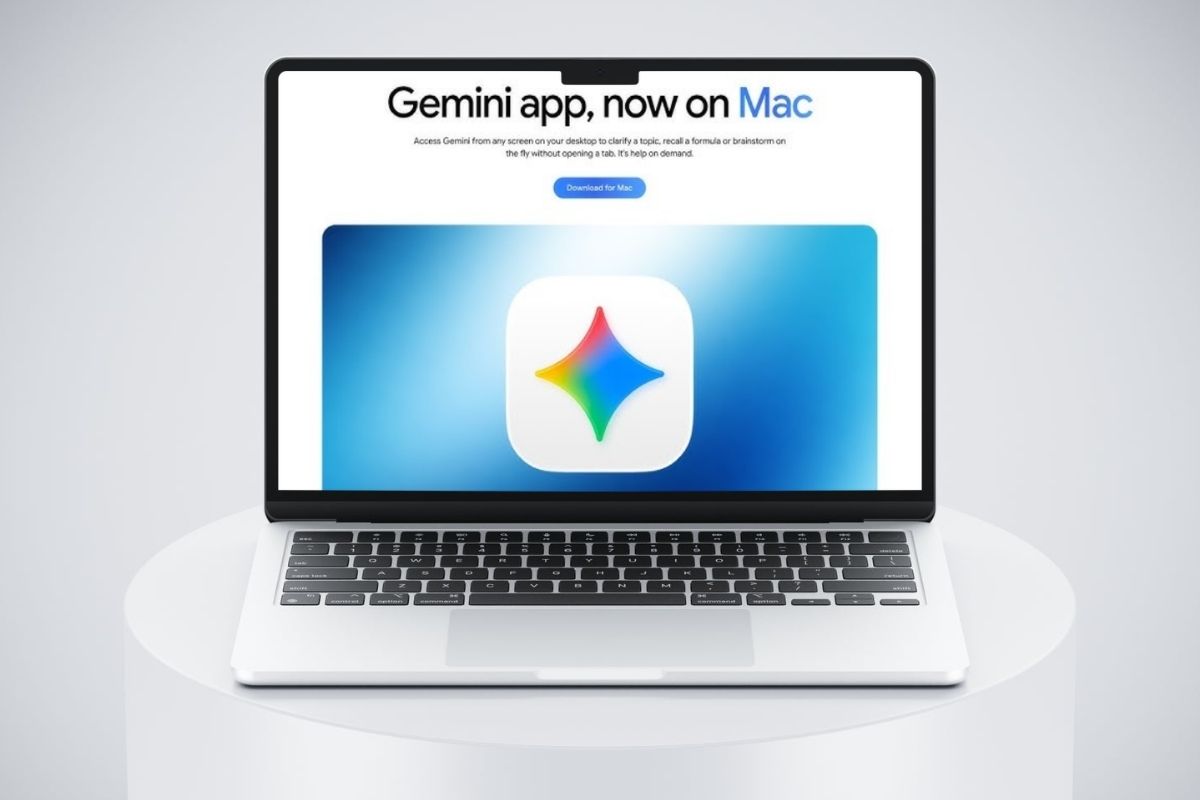
Google has introduced a new ‘Computer Use’ feature for the Gemini app on macOS, which allows the artificial intelligence to work independently with programmes, local files and websites. Users can describe a task in plain text, after which the AI will carry out the necessary actions in the background without interrupting their work on the computer.
Key points at a glance:
- Google Gemini can now carry out multi-step tasks independently on a Mac.
- Artificial intelligence can control programmes, the browser and local files.
- Gemini runs in a separate window and does not capture the cursor.
- This feature is available to Mac owners with Apple Silicon processors.
How does controlling a computer via Gemini work?
A new feature enables artificial intelligence to press buttons, enter text, open menus and fill in forms without having to perform each action manually.
Google had previously unveiled a model Gemini 4 Neon, which focuses on complex engineering problems and programming.
A distinctive feature Computer Use It runs in a separate background window. The user can work with other programmes at the same time whilst Gemini carries out the tasks assigned to it.
You can follow the progress of the task directly in the chat.
What tasks can Gemini perform on a Mac?
Google has demonstrated several scenarios for using the new feature:
- automatic photo editing in graphics editors;
- creating complex three-dimensional scenes;
- transferring information from PDF documents to electronic forms;
- creating presentations based on data from various sources;
- preparing listings for the sale of goods on online platforms.
The user decides for themselves which Gemini programmes they will have access to. Tasks can be paused, and key actions require confirmation.
On which computers is the new feature available?
To use Computer Use, you will need:
- a Mac computer with an Apple Silicon processor;
- macOS Sequoia 15.0 or later;
- a personal Google account;
- a Google AI Plus, Pro or Ultra subscription.
Initially, the feature will be launched in English for adult users in the US. Google has not yet announced a date for rolling out the feature to other countries.