
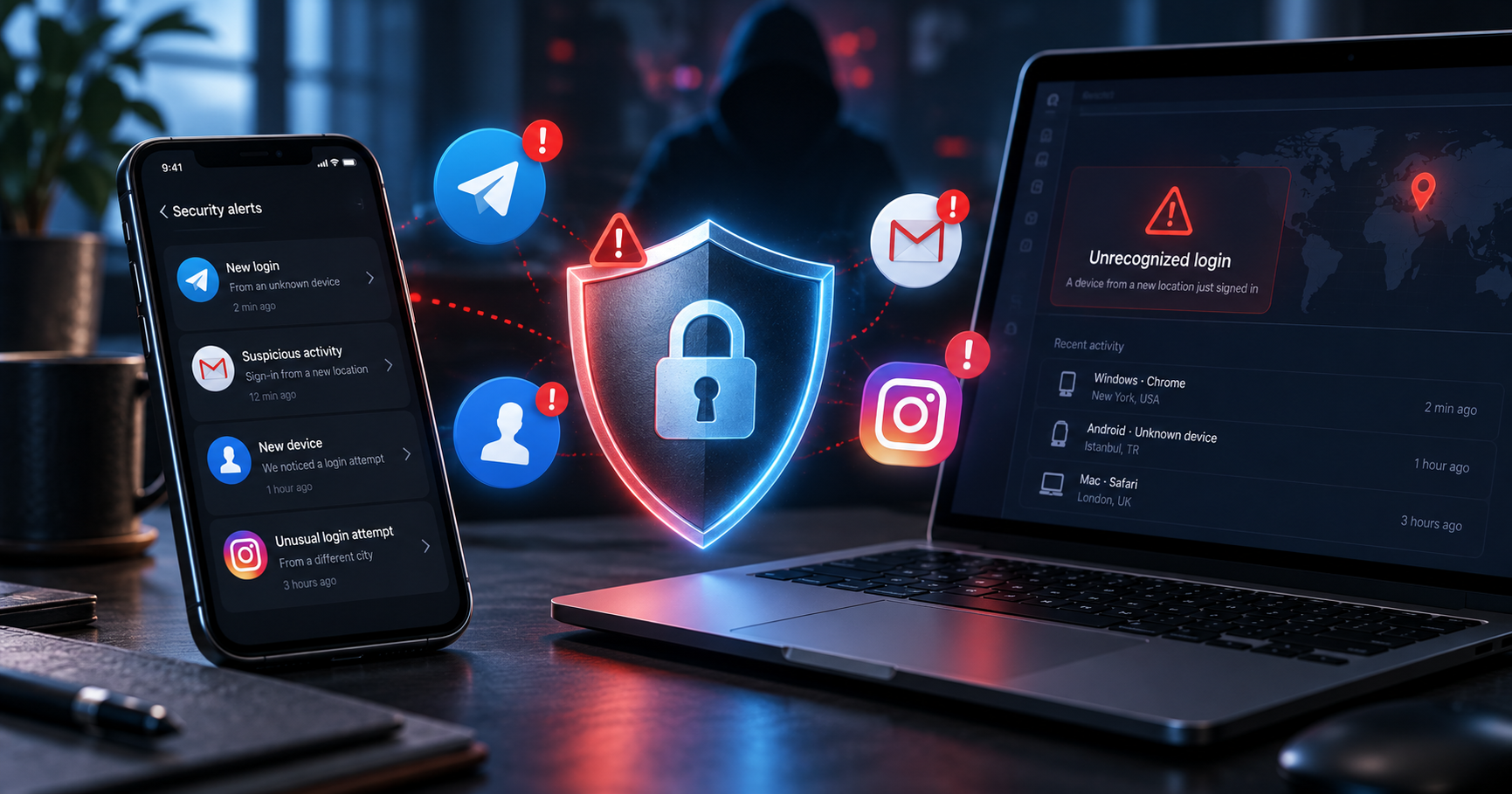
An account hack often begins imperceptibly: you receive a notification that someone has logged in from a new device, friends receive strange links sent in your name, your recovery email address changes, or suddenly your password no longer works. In such a situation, speed is of the essence. If the attacker hasn’t yet managed to change all the recovery methods, Access can often be restored in a matter of minutes. However, simply setting a new password is not enough — an attacker may still be logged in on another device or have access to your email.
- First, secure the email address linked to your accounts.
- Change your password and log out of any unfamiliar sessions.
- Please check your alternative email address, phone number and login methods.
- Enable two-factor authentication or a passkey.
- If you have already lost access, please use only the official recovery pages.
What to do immediately after a break-in
If you can still log in to your account, don’t put off securing it until later. It’s best to take the following steps from a device you trust.
The correct sequence is as follows:
- Change your password.
- Close all open sessions.
- Please check your phone number and alternative email address.
- Remove any unknown two-factor authentication methods.
- Check which third-party apps have been granted access.
- Enable 2FA.
- Change your password on other services where you have used the same password.
It is particularly important to start with Gmail or another primary email address. If a hacker gains control of your email account, they can reset the passwords for your Instagram, Facebook, banking services and other accounts.
Google. It explicitly recommends that, if a breach is suspected, you check the latest security events, the list of devices and all critical recovery settings.
What to do if your Telegram account has been hacked
If Telegram is still open on at least one of your devices, Don’t lose this active session.
Go to:
Telegram → Settings → Devices
or:
Settings → Privacy and security → Active sessions
Close any sessions you do not recognise.
After that, open:
Privacy and security → Two-step verification
and set up an additional password. Telegram also allows you to add a recovery email address and configure passkey, to use your device’s PIN, fingerprint or Face ID instead of an SMS code.
If you suspect that a fraudster has gained control of your SIM card, contact your mobile network operator and block it.
If you no longer have access to Telegram
Telegram explains that the account is effectively linked to a phone number.
If there are no other active sessions, you need to:
- block the old SIM card;
- get a new SIM card with the same number;
- log back into Telegram;
- open Devices;
- end other users’ sessions;
- Enable two-factor authentication.
If requests for money, links to «votes» or files are already being sent out in your name, please warn your friends via another channel of communication.
What to do if your Gmail or Google Account has been hacked
A Gmail hack is particularly dangerous, as email is often used to regain access to dozens of other accounts.
If you can still log in, open your Google account and go to:
Security and Access → Latest security system updates
Please check all entries and changes.
Then:
Your devices → Manage devices
and remove any unfamiliar devices.
Google also recommends checking:
- a secondary email address;
- a telephone number for recovery;
- methods of two-stage verification;
- third-party apps with access to your account;
- geolocation sharing settings.
Be sure to check your Gmail
An attacker may not change the password, but instead create a hidden one mail forwarding or a filter, so that you can receive your emails.
Google specifically recommends checking unfamiliar:
- forwarding rules;
- filters;
- delegated access to Gmail;
- mailbox settings.
If you have already changed your password
Please use the official Google Account recovery process.
Google recommends going through the recovery process even in cases where someone else has changed your password, recovery phone number or other account details.
Once access has been restored, set a new, unique password straight away and enable two-step verification.
What to do if your Facebook account has been hacked
Meta has a separate procedure for hacked accounts.
It’s best to open the recovery page on the phone or computer you’ve previously used to log in to Facebook. This is the method recommended by Facebook.
Recovering a hacked Facebook account
The system will help:
- find an account;
- change your password;
- check the latest changes;
- regain control of the profile.
Once access has been restored, you should also enable two-factor authentication and notifications of new logins. Facebook explicitly refers to these mechanisms as the main additional means of protecting an account.
If you manage a page via Facebook
For a business, media organisation or shop, this is not enough.
Please check:
Page → Settings → Page access
and make sure that the attacker has not added a new administrator.
A user with full control over the page can add and remove other people with access, so this point is of critical importance for corporate accounts.
What to do if your Instagram account has been hacked
If you haven’t changed your password yet, first:
Instagram → Settings → Accounts Centre → Password and security
Change your password and check your active logins.
If you are unable to log in, on the login screen, select «Forgotten your password?» and try restoring via:
- username;
- email;
- telephone number.
Instagram sends a password reset link to the email address or mobile number you have linked to your account.
If the attacker has changed your email address, the situation is more complicated. Meta advises you to first try to regain control of your email address or phone number, and then, once you’ve logged in, update your contact details on Instagram.
Instagram may ask you to take a video selfie
In some cases, particularly if your profile includes photos of you, Instagram can offer a video selfie for identity verification.
You will need to record a short video of yourself turning your head in different directions. Meta states that the verification process may take up to two working days. Once your identity has been successfully verified, you will receive a link to reset your password.
If the attacker has changed the email address and phone number
This amounts to a complete takeover of the account.
Don’t pay people on Telegram or Instagram who promise to «get your page back through a contact at Meta». These schemes are often just a ploy to extract even more money or personal data.
Please follow the official procedures only:
- Telegram — via access to the phone number and active sessions;
- Google — Account Recovery;
- Facebook —
facebook.com/hacked; - Instagram — the official method for login help and account recovery.
Do not send this to strangers:
- codes from text messages;
- 2FA backup codes;
- email password;
- photographs of a bank card;
- QR codes for entry;
- Telegram or Google Authenticator codes.
What to do if people are already being scammed in your name
Once they have taken over your account, criminals are often not interested in your photos or messages. Their aim is to use the trust of friends and followers.
Typical messages:
«Lend me 5,000 UAH by tomorrow.».
«Vote for my child.».
«Look, is that you in the video?»
«I need a code; you’ll get an SMS shortly.».
If this has already happened, let your friends know via another channel that your account has been compromised.
If someone has already transferred the money fraudsters, you should contact your bank as soon as possible. For international transfers or payment systems, you should also contact the relevant service to request that the transaction be stopped or disputed.
Google specifically advises contacting your bank if the hacked account contained banking details or if you notice any unfamiliar financial transactions.
Once your account has been restored, change more than one password
One of the most common mistakes is to get back on Instagram and leave it at that.
If the password is:
MyPassword123
was used simultaneously for Gmail, Facebook, Instagram and an online shop, you need to take into account All these accounts have been compromised.
Set a separate password for each service.
It is better to use a password manager that generates long, random combinations.
For important accounts, it is advisable to use:
- passkey;
- a physical security key;
- authentication app;
- backup codes.
SMS is better than having no 2FA at all, but an authenticator app or a passkey usually provide better protection against number interception.
How to tell if your account may have been hacked
The following may indicate a security breach:
- an email confirming a login that you did not carry out;
- a new phone or computer in the list of devices;
- the password suddenly stopped working;
- your email address or telephone number has changed;
- some unfamiliar posts have appeared;
- messages are sent to your friends without you having to do anything;
- An unknown forwarded email has appeared in Gmail;
- an unknown 2FA method is enabled;
- You are receiving login codes that you did not request.
A single SMS code on its own doesn't necessarily mean that the account has been hacked. This might mean that someone is simply trying to log in.
But you must not pass this code on to anyone.
Why accounts get hacked even with a strong password
A long password does not protect against all attacks.
Accounts are often hacked because of:
Phishing. A person enters their password on the Telegram, Facebook or Google app.
The stolen session. The malware obtains the browser’s cookie, and the attacker does not need a password at all.
SIM swapping. The attacker gains control of the phone number.
Reuse of a password. A password was leaked from one website, after which it is automatically checked against others.
Malicious browser extensions and programmes. Google advises that, following a security breach, you should scan your device for malware and remove any unknown extensions.
How to protect Telegram, Gmail, Facebook and Instagram from being hacked again
Once access has been restored, it is advisable to carry out a full security audit.
The most effective combination:
a unique password + 2FA/passkey + secure email + monitoring of active sessions.
It is also worth securing your mobile number with a SIM PIN and a password or authentication provided by your mobile network operator, if the operator supports this feature.
And the most important rule: The login and recovery codes are for your use only. No employee of Telegram, Google, Facebook or Instagram should ever ask you to send them a code from an SMS or the Authenticator app.
FAQ
Is it possible to recover your Telegram account without a phone number?
In most cases, you will need either access to your phone number or an active Telegram session on another device. Telegram itself explicitly states that your phone number remains the primary means of user identification.
What should you do if both your Gmail and Instagram accounts have been hacked?
Turn first Gmail, as an attacker could use it to control the recovery process for Instagram and other services.
Will simply changing the password help?
Not always. You also need to end any other people’s sessions and check your recovery methods, 2FA and connected apps.
Is it safe to pay a «specialist» to restore your Instagram account?
If someone asks for your password, SMS code or backup code, or promises «access via a Meta employee», this is a clear sign of fraud. Please use the services’ official recovery tools.
Which is better: SMS or Google Authenticator?
Any form of 2FA is better than none at all, but a passkey, security key or authentication app usually provides stronger protection than an SMS alone.